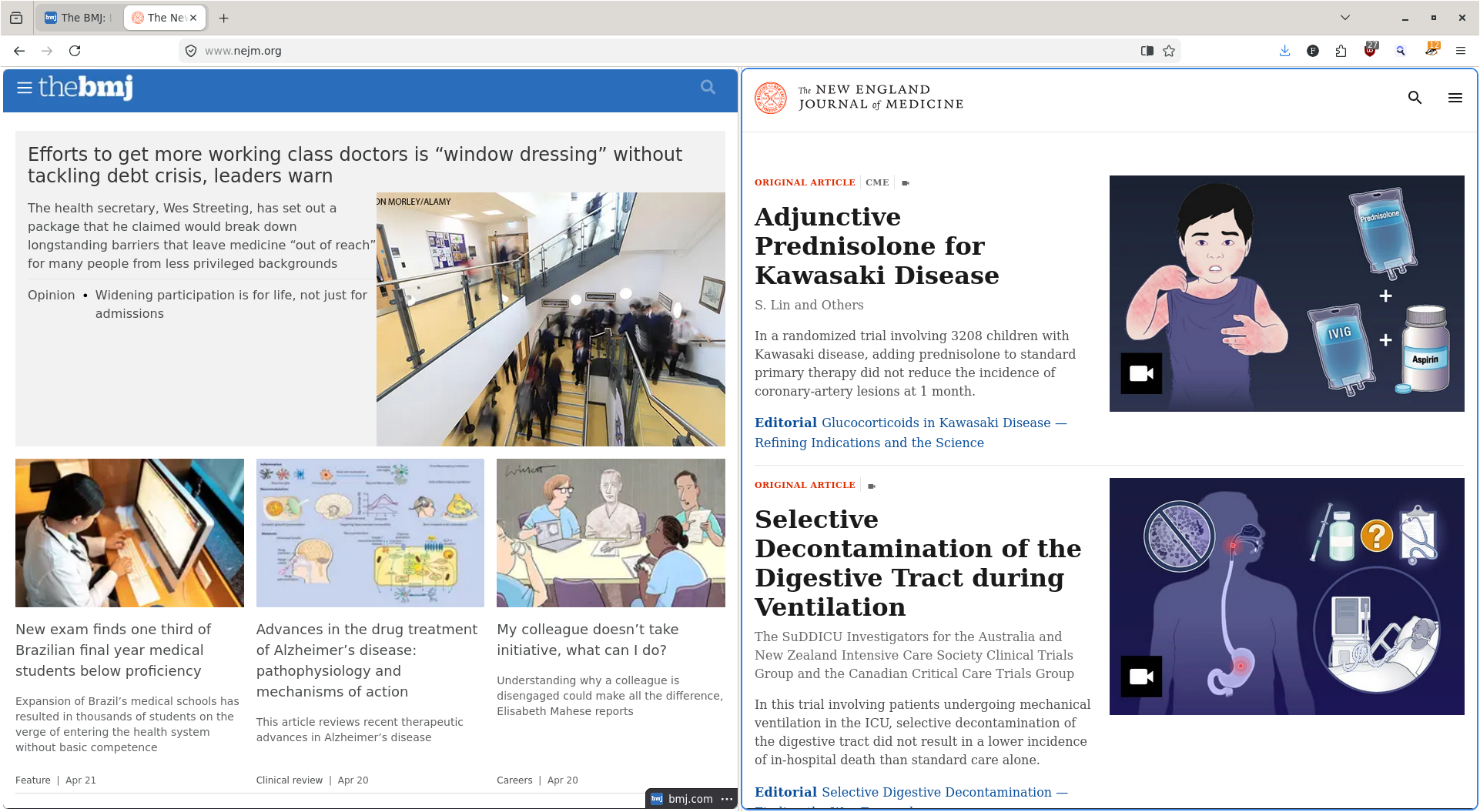
what’s the advantage over just using two windows?
More horizontal space while using vertical tab bar, only a single window when cycling through alt-tab, saves both tabs if you use saved sessions (vs two windows you would lose one of the tabs when closing both)
Also not having to adjust the borders manually.
Those are actually downsides to me; I want to see the name per window and have full control. Unless I’m constantly using the same specific pair frequently, this would only mess up my workflow more.
not having to adjust the borders manually.
Surely you know about Win+/Super+Arrow, right?
A hotkey is still additional manual alignment. I’m glad you have a flow that works, just as this feature improves mine.
I thought the same thing until I used it, but now I get it. It’s just nicer and more fluid to use
Well, and after vertical tabs, tab groups, a free browser-wide VPN, …
I hope they continue on focusing on fixing bugs too.
There is no point of adding features if the issues arent getting fixed.
But its much better than AI for sure.yeah they used ai to fix a bunch of stuff
Looks like there’s a lot happening there too: https://infosec.exchange/@tomrittervg/116443139069130293
It really is been using it more than I anticipated.
I did actually added an exception for on device AI for the newly added about:translations as I don’t see much of a problem with that.Translations existed before the ~2023 AI craze, and while they’re a cousin of the other stuff Mozilla has been doing, they’re a distant cousin.
That’s a really cool development! However, no button to “open link in split tab”? This could probably be an addon.
I’ll be using this a bunch, thank you.
I’m on Nightly, so it might not be in release yet, but I have “Open Link in Split View” in my context menu when I right-click a link, so if it’s not there yet, it’s coming.
Hm now i have it, too.